RFPDK (RF Products Development Kit) is a member of all Development Kits supporting
the development and manufacturing with CMOSTEK NextGenRFTM products.
It is a PC application runs on Windows 2000, XP, 7 and 8.
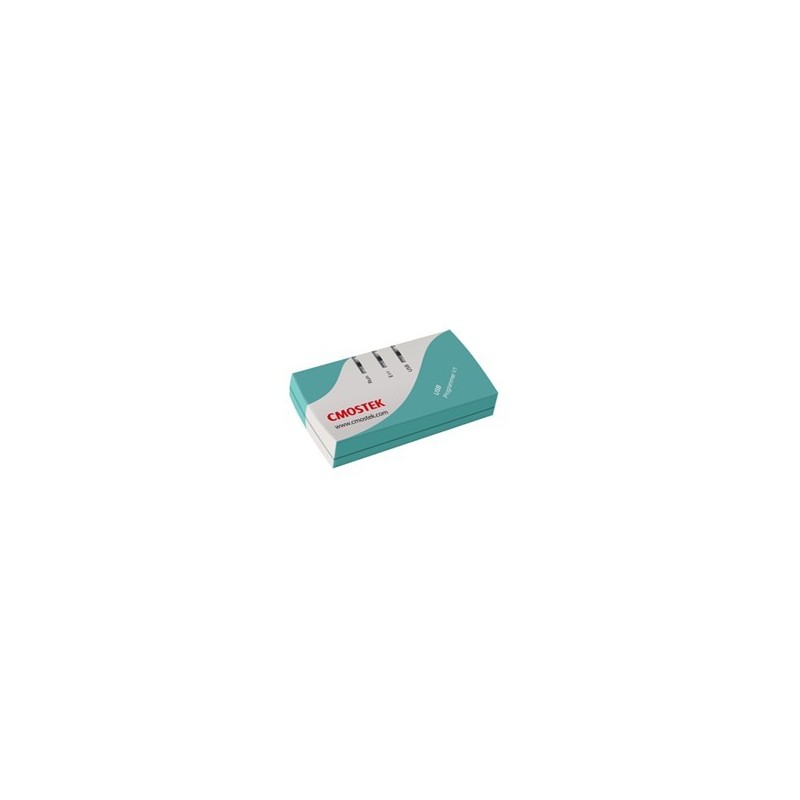
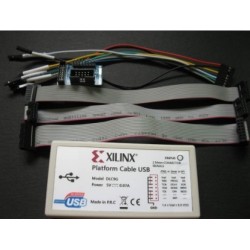
It works with the USB Programmer to configure the CMOSTEK NextGenRFTM products.
Once the program has started, the device selection panel of the RFPDK appears.
The user can use the two tabs at the top of the panel to choose the product family:
either devices operating in the 2.4 GHz frequency band or the sub-1 GHz frequency band.
Under each tab, all the products belong to the family are listed in the middle of the panel.
The products can be filtered by the buttons of All, Transmitters, Receivers and Transceivers.
The main features of the products, including Device, Function, Band, Package, Modem and
Symbol Rate, are shown to assist the device selection.
If an evaluation module is connected to the PC through the USB Programmer,
the device part number, USB Programmer hardware version and firmware revision
will appear in the “List of connected device”.

When the device, the USB Programmer and the PC (RFPDK) are properly connected,
the Read Device function can be used to read out and upload the EEPROM contents
from the device to the PC. The user can use this function by selecting Operation à Read Device.
After that, a Save-as window pops out so that the user can save the read-out contents into a
text file suffixed by “.exp”.